Loops
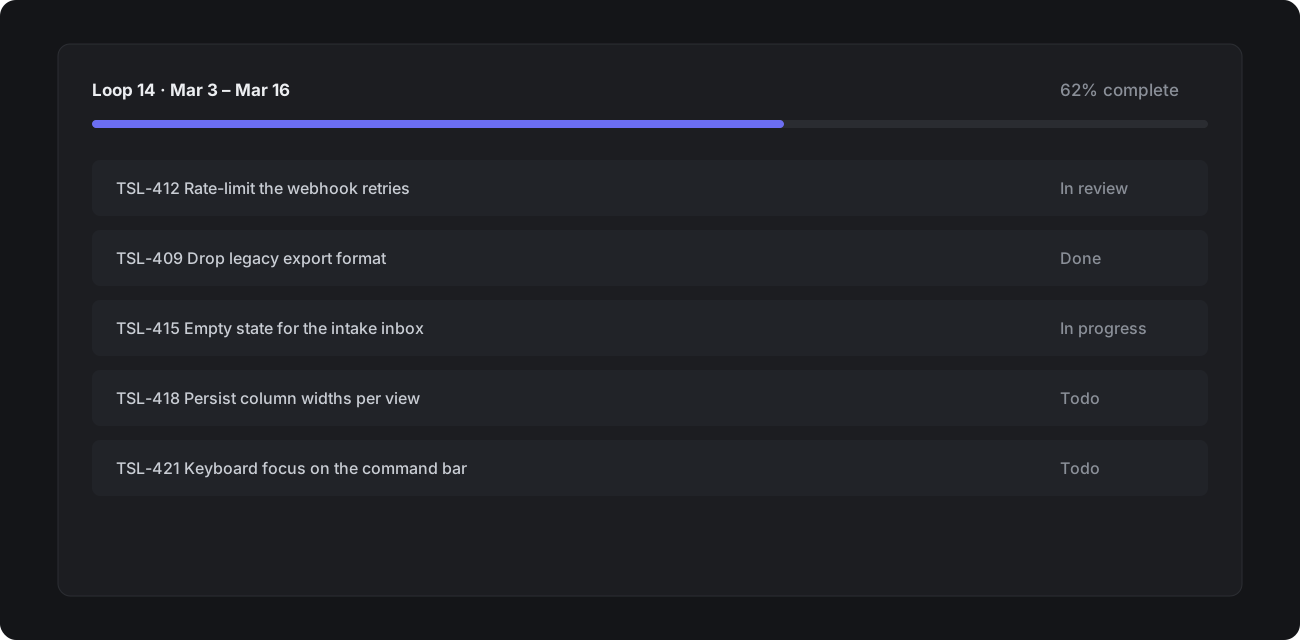
Loops are short, fixed-length periods of work — Tessel's take on sprints. A team turns loops on once, and Tessel creates the next one automatically.
Setting up loops
Open Team settings → Loops and choose a length (one to eight weeks), a start day and how many upcoming loops to create in advance.
Rollover
Unfinished tickets move to the next loop when the current one ends. Turn off rollover if your team prefers to re-plan from scratch.
Loop reports
Each loop has a report showing scope added mid-loop, tickets completed, and a burn-up chart. Share it with Cmd Shift C to copy a link.
Loops are per team. A track that spans several teams shows each team's loops side by side.