Changelog
Subscribe (RSS)Everything we’ve shipped, newest first.
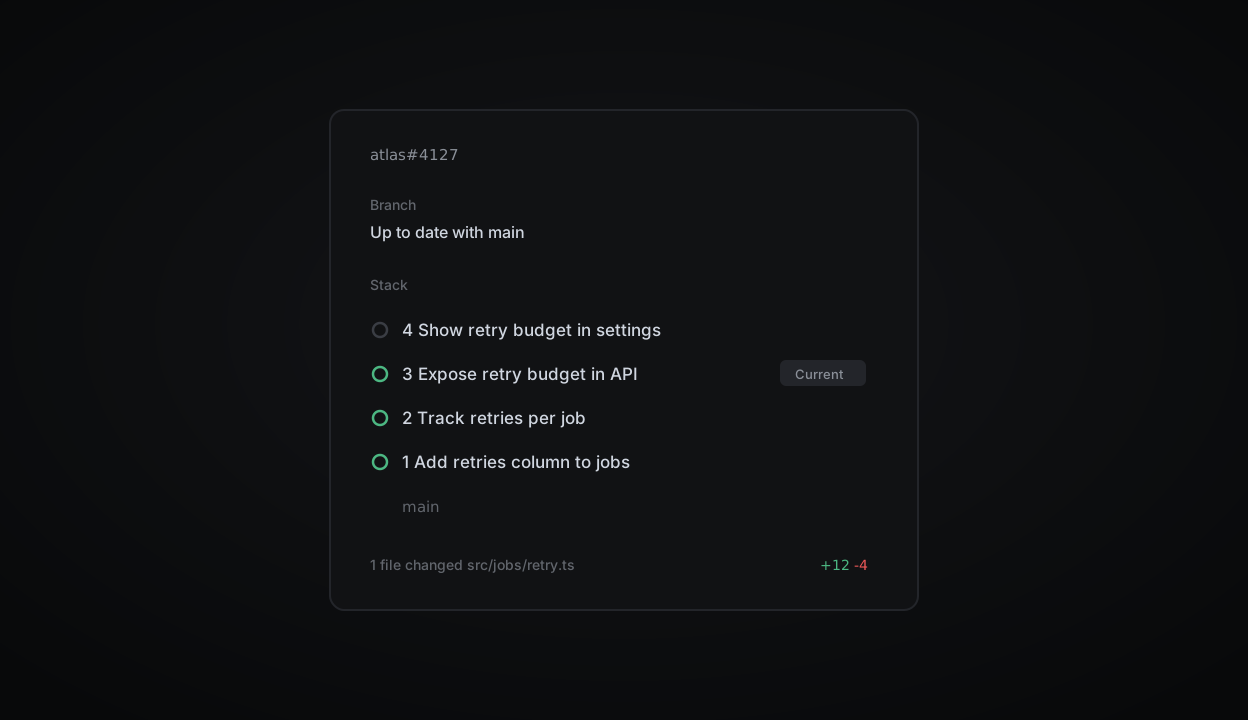
Stacked branches are now shown in Plinth Reviews. Step through a stack and see review, checks and merge state at a glance. Related branches collapse into one row in the review queue, next to the issue and project they belong to.
For stacks created with your git host's native tooling, you can preview every affected branch before merging the current one and those beneath it.
Read more in the stacking guide.
Watch changes land while the agent works
Diffs now update live during a Plinth agent run, including uncommitted changes from follow-up prompts. Follow the code as it evolves, catch a wrong turn early, and steer before or after a pull request opens.
Usage explorer and spend limits
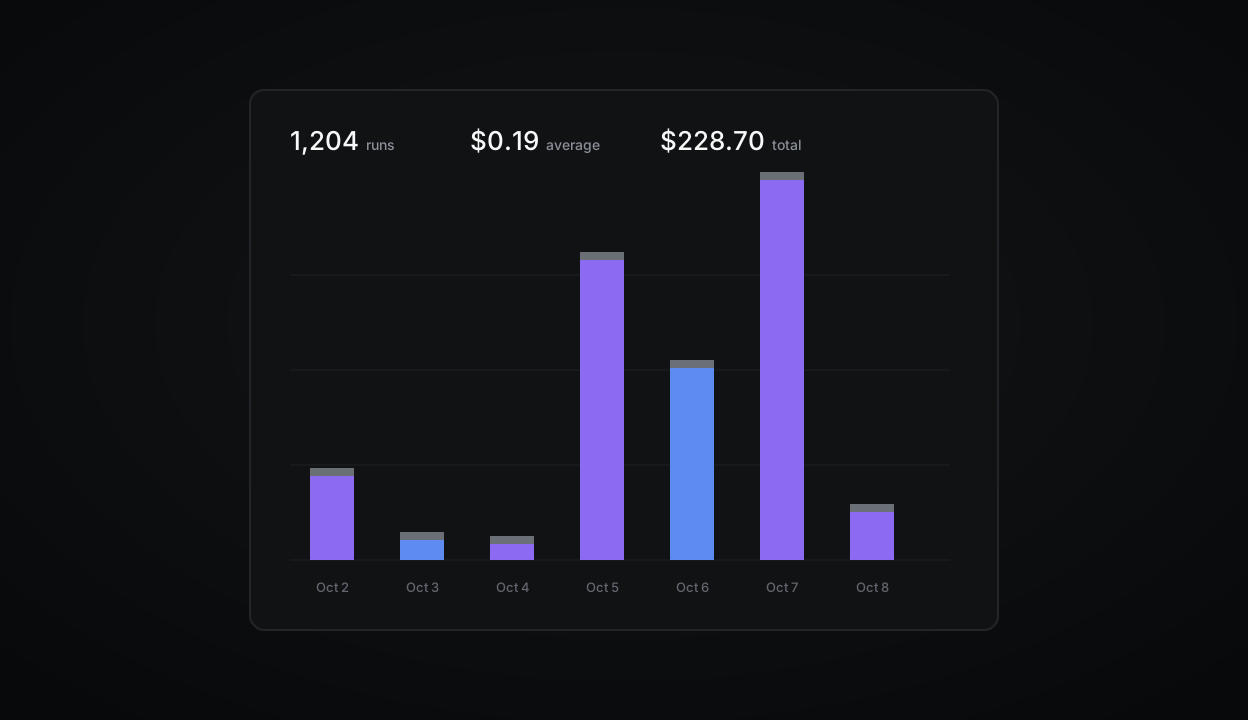
Admins can now see what is driving agent usage and set limits to manage spend.
The usage explorer breaks spend down by team, feature, person or automation over any time range. Compare total spend, run count and average cost per run, then select a group in the chart or table for a closer look.
Guided reviews on Starter
Guided reviews walk you through the most important changes in a pull request. They are now available on the Starter plan.
Fixes
Fixed an issue where the board scrolled to the top after moving a card
Due dates now respect the workspace time zone in exported CSVs
Resolved a crash when pasting very large tables into a doc
Fixed sub-issue counts in the sidebar after bulk moves
Improvements
Faster initial load for workspaces with more than 50 teams
Cycle reports now include carried-over scope
The command menu remembers your last three actions
API
Added
retryBudgetto theJobobjectWebhooks now include
previousStateon status changesRate limit headers are returned on every response
Keyboard shortcuts
GthenIopens the inbox from anywhere⌘⇧,copies a link to the current view
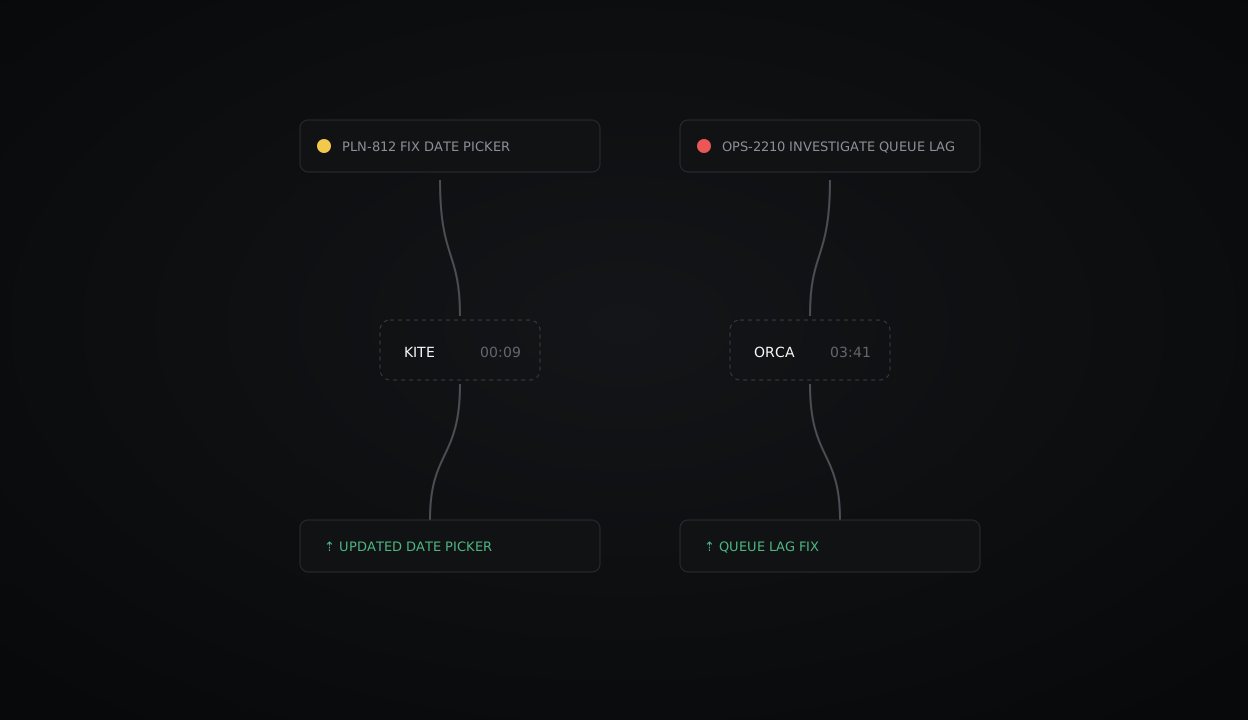
Agent runs are the shortest path from issue to diff. Assign a task to the Plinth agent and it works in an isolated environment to write and test the change before opening a pull request.
We are adding more control over how each run behaves, from its environment to the models behind it.
Adaptive routing
Save time and credits by routing simpler tasks to a faster model while keeping the default reasoning model for complex work. If a task needs more than expected, restart the run on the default model and keep the original pull request for reference.
Environment secrets
Runs can now read environment secrets during setup, so they can fetch private dependencies and other configuration safely.
Bring-your-own models
Runs now support self-hosted models. Workspace admins choose which models are available from Agent settings.
Fixes
Fixed an issue where the board scrolled to the top after moving a card
Due dates now respect the workspace time zone in exported CSVs
Resolved a crash when pasting very large tables into a doc
Improvements
Faster initial load for workspaces with more than 50 teams
Cycle reports now include carried-over scope
The command menu remembers your last three actions
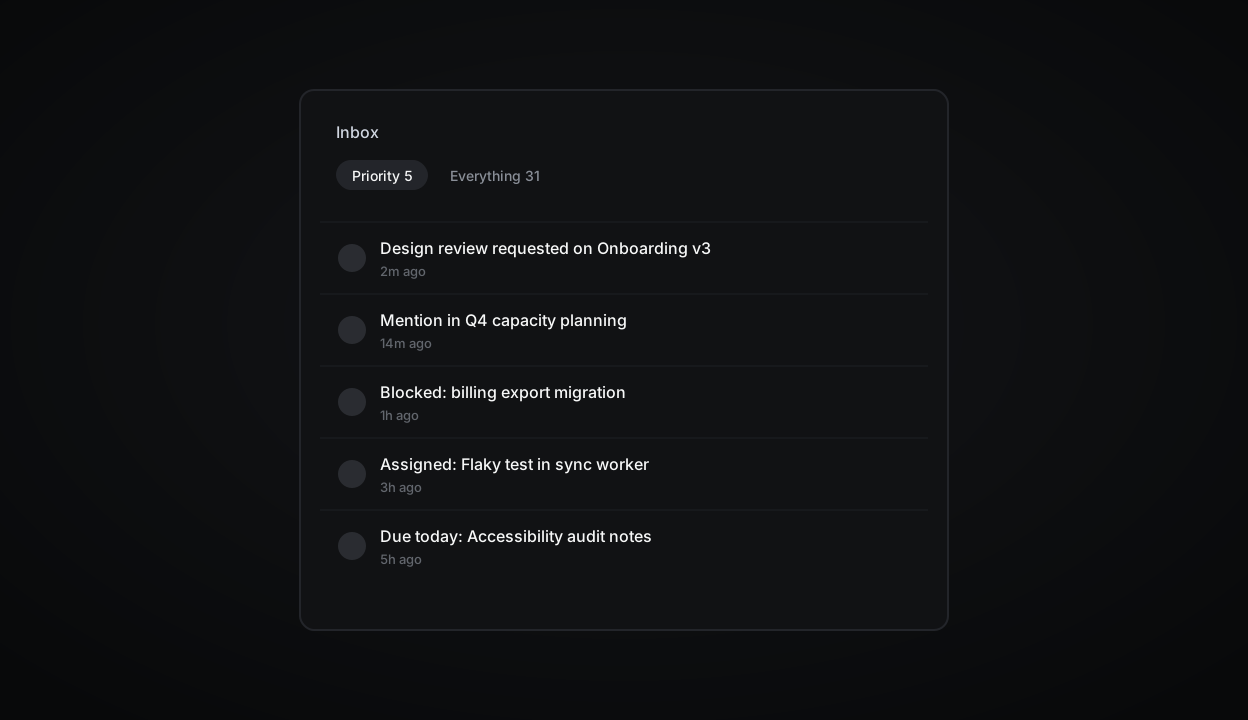
Your inbox now separates what needs you from everything else. Priority holds direct mentions, review requests, blockers and items due today; the rest waits under Everything.
Snooze with a reason
Snoozed items return with a note to yourself, so you remember why you deferred them.
Callout blocks
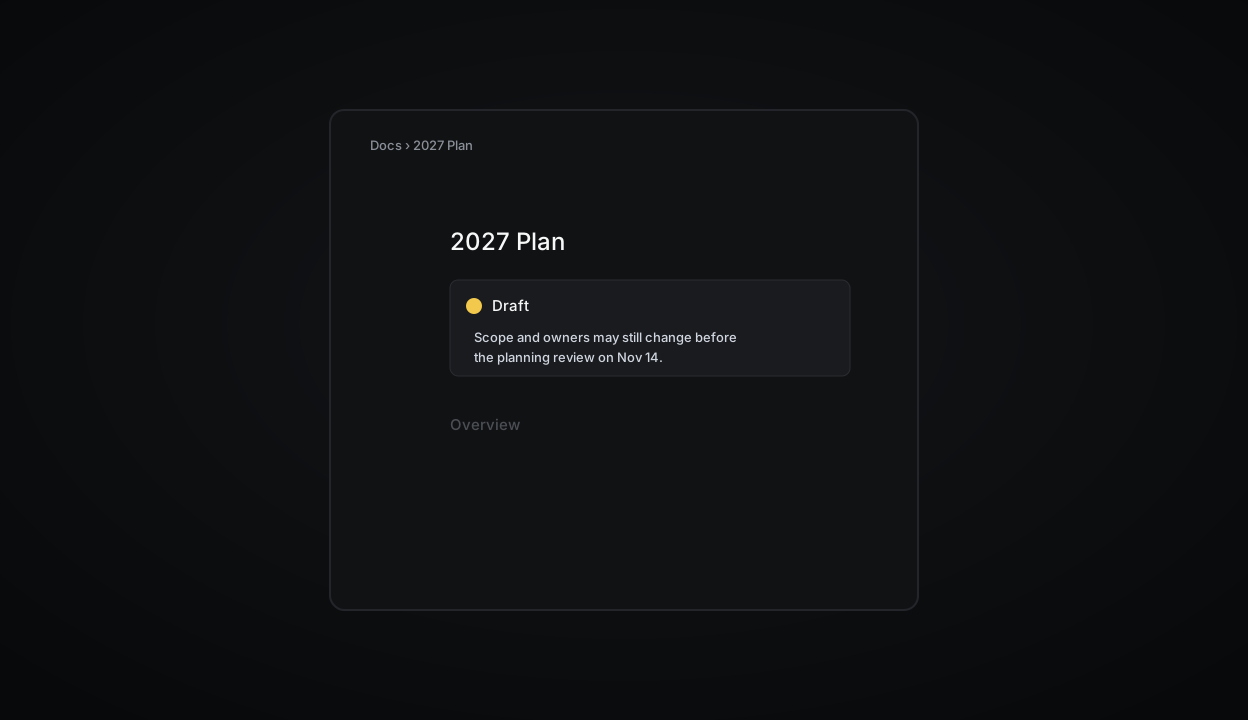
Use callouts to draw attention to important information in issues, project briefs and docs. Pick any colour or icon to match the context.
Type
/calloutto get started.Fixes
Fixed an issue where the board scrolled to the top after moving a card
Due dates now respect the workspace time zone in exported CSVs
Resolved a crash when pasting very large tables into a doc
Fixed sub-issue counts in the sidebar after bulk moves
Improvements
Faster initial load for workspaces with more than 50 teams
Cycle reports now include carried-over scope
The command menu remembers your last three actions
Keyboard shortcuts
GthenIopens the inbox from anywhere⌘⇧,copies a link to the current view
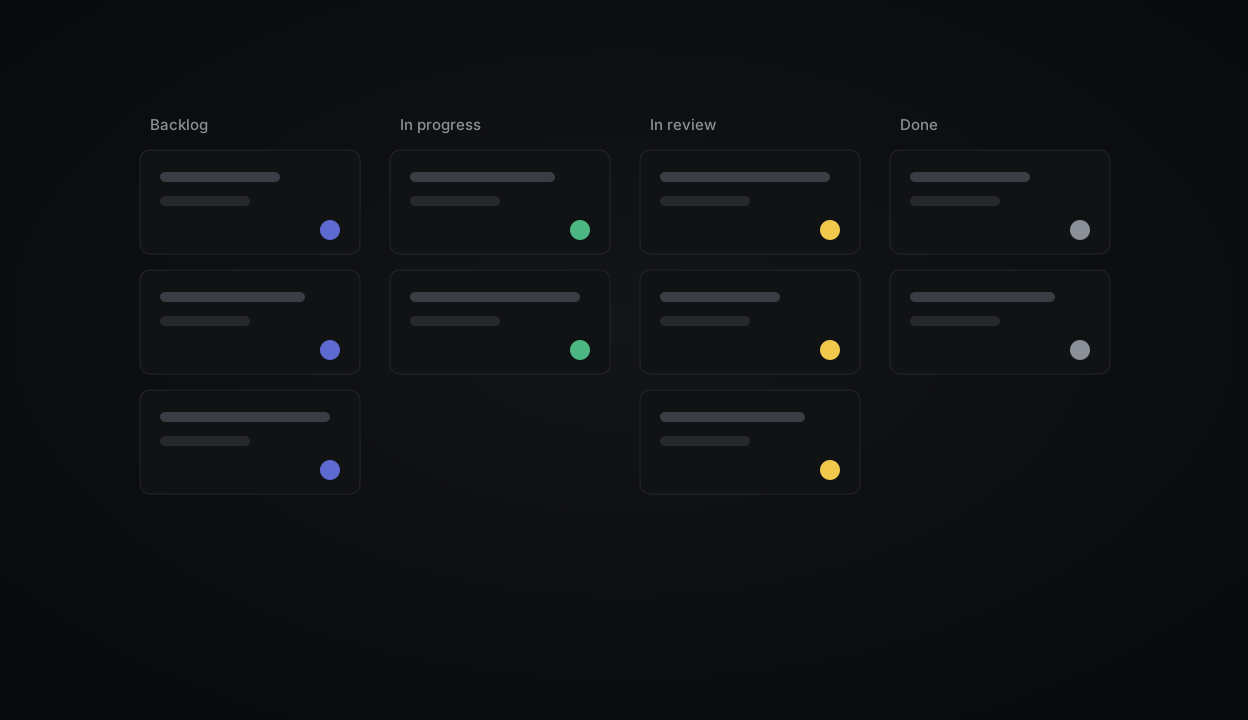
Boards now stay fast for teams with tens of thousands of issues. Columns load progressively and scroll independently, and grouping by assignee or label no longer reloads the view.
Swimlanes
Group any board by project, cycle or label to see work side by side.
Fixes
Fixed an issue where the board scrolled to the top after moving a card
Due dates now respect the workspace time zone in exported CSVs
API
Added
retryBudgetto theJobobjectWebhooks now include
previousStateon status changesRate limit headers are returned on every response
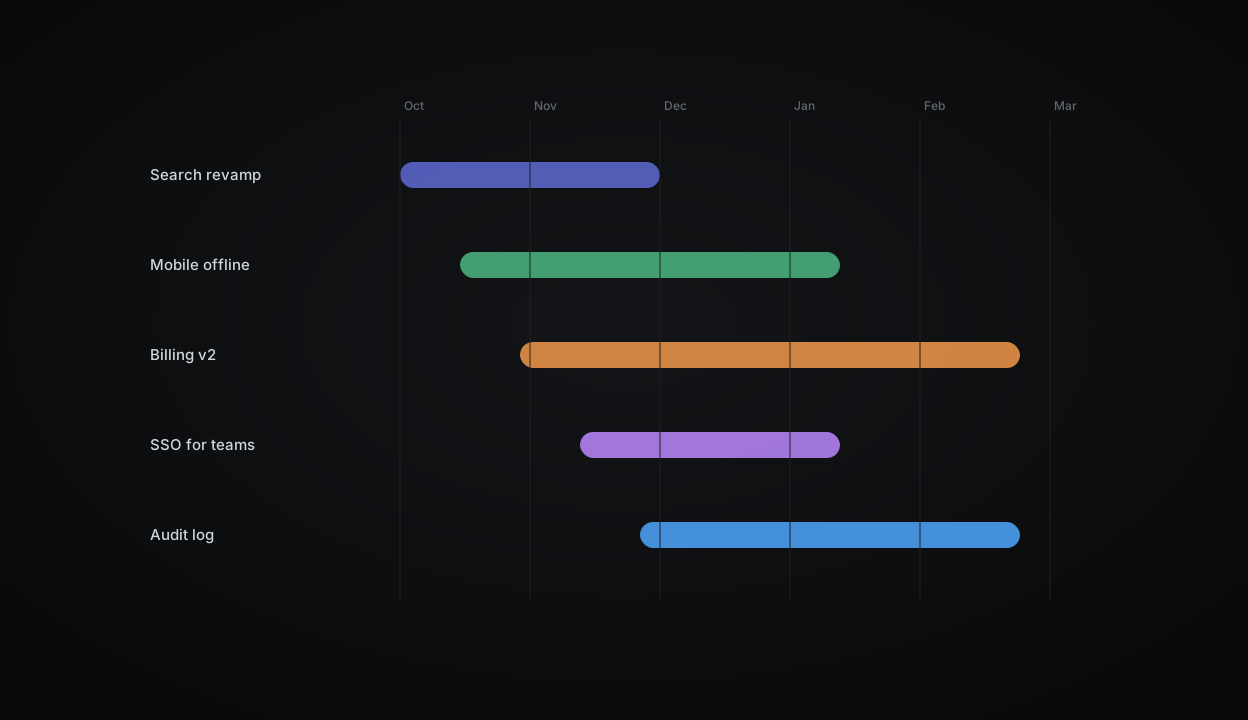
Initiatives now have a timeline view. See every project under an initiative on one canvas, drag to change target dates, and spot overlaps before they turn into slips.
Health updates
Project leads can post a weekly health update straight from the timeline. The latest status shows on each bar.
Fixes
Fixed an issue where the board scrolled to the top after moving a card
Due dates now respect the workspace time zone in exported CSVs
Resolved a crash when pasting very large tables into a doc
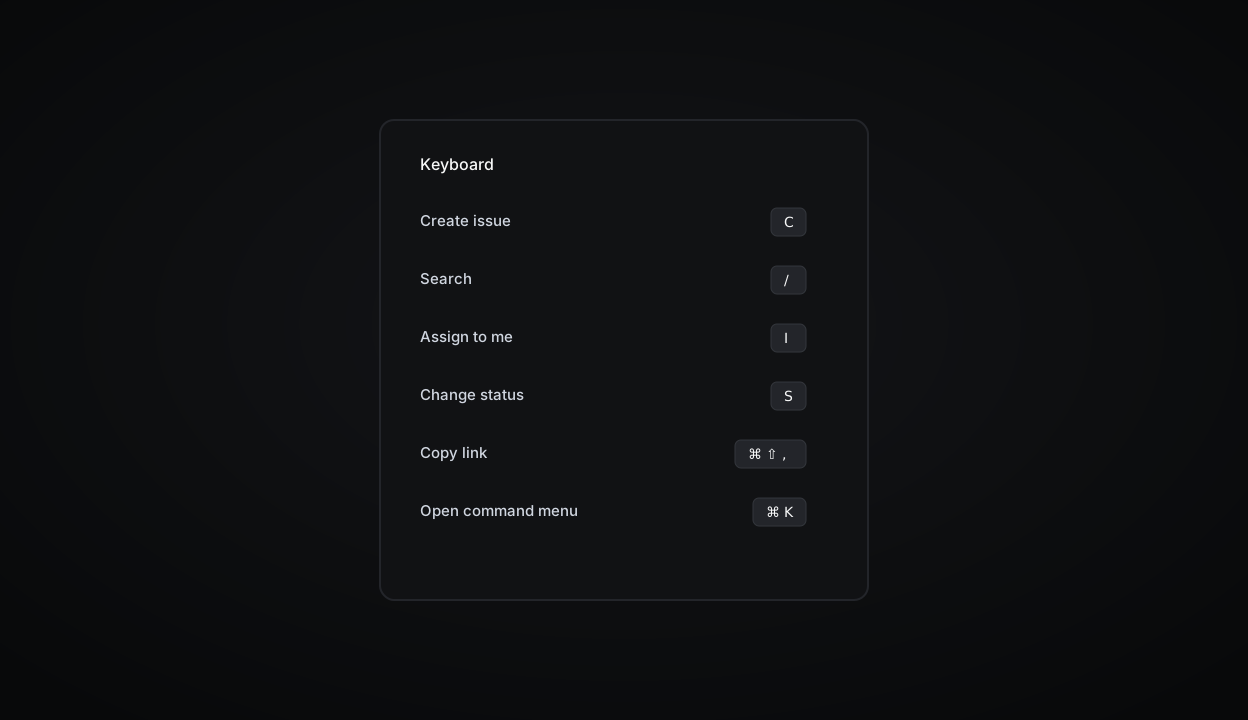
Every action in Plinth now has a shortcut, and the new shortcut sheet shows the ones that apply to whatever you are looking at. Press
?anywhere to open it.Custom bindings
Rebind any shortcut from Settings → Keyboard. Bindings sync across your devices.
Keyboard shortcuts
GthenIopens the inbox from anywhere⌘⇧,copies a link to the current view
Fixes
Fixed an issue where the board scrolled to the top after moving a card
Due dates now respect the workspace time zone in exported CSVs
Create an issue once and have it come back on schedule — weekly reviews, monthly audits, quarterly planning. Each occurrence is a real issue with its own history, assignee and comments.
Templates for recurrences
Start a recurrence from any template so every occurrence arrives with the same checklist.
Fixes
Fixed an issue where the board scrolled to the top after moving a card
Due dates now respect the workspace time zone in exported CSVs
Improvements
Faster initial load for workspaces with more than 50 teams
Cycle reports now include carried-over scope
The command menu remembers your last three actions